Commands
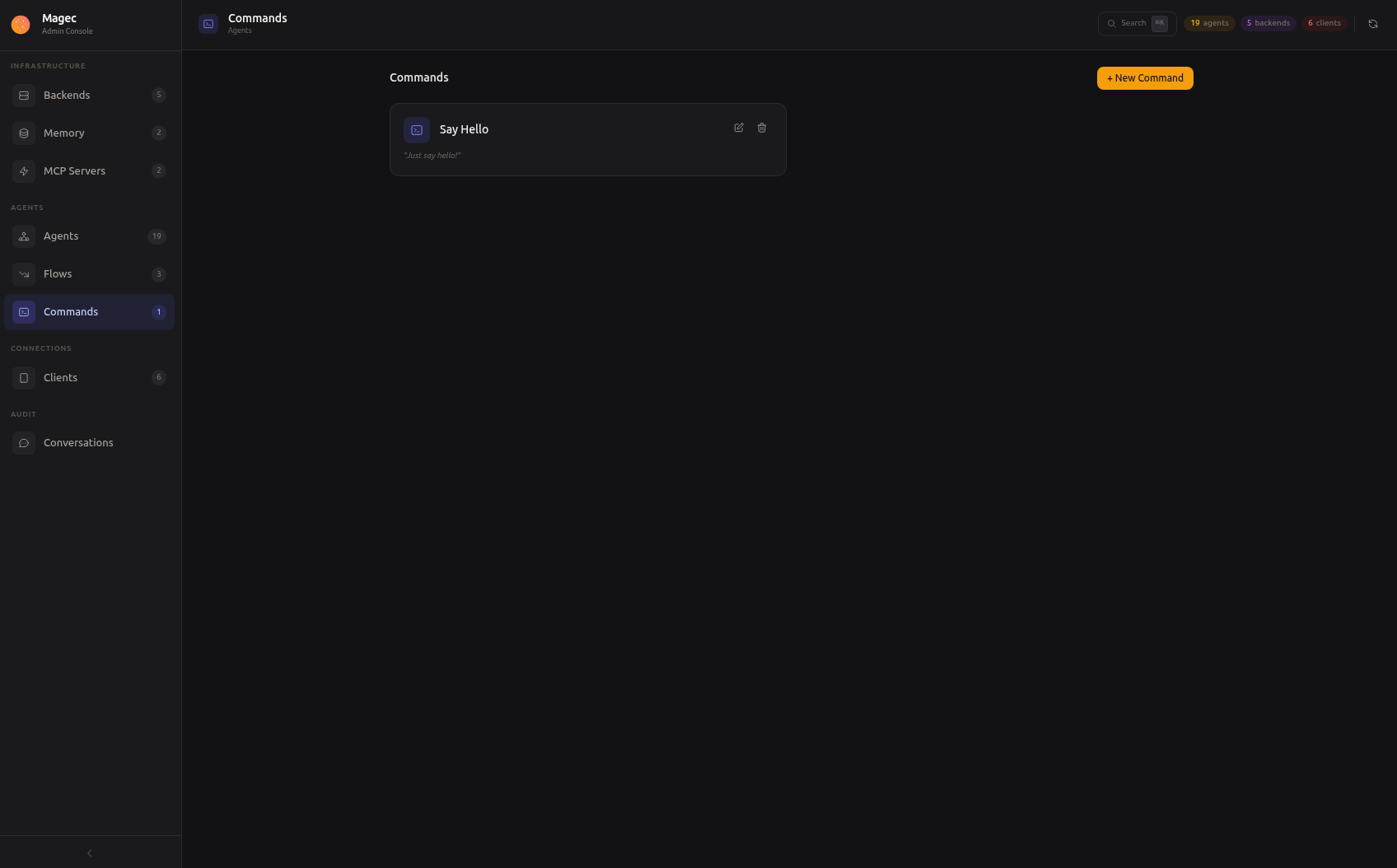
Commands are reusable prompts — predefined messages that you write once and trigger repeatedly through cron jobs and webhooks. Instead of duplicating the same prompt across multiple triggers, you define it as a command and reference it wherever you need it.
Why commands exist #
Imagine you have a daily report that needs to be generated every morning. The prompt is always the same: “Generate a summary of yesterday’s sales data, including total revenue, top products, and notable trends.” Without commands, you’d have to write this prompt into every cron job or webhook that triggers it. If you want to change the wording, you’d need to update it in multiple places.
With commands, you write the prompt once. Every cron job or webhook that uses it just references the command by ID. Change the prompt in one place, and all triggers use the updated version.
Creating a command #
In the Admin UI, go to Commands and click New:
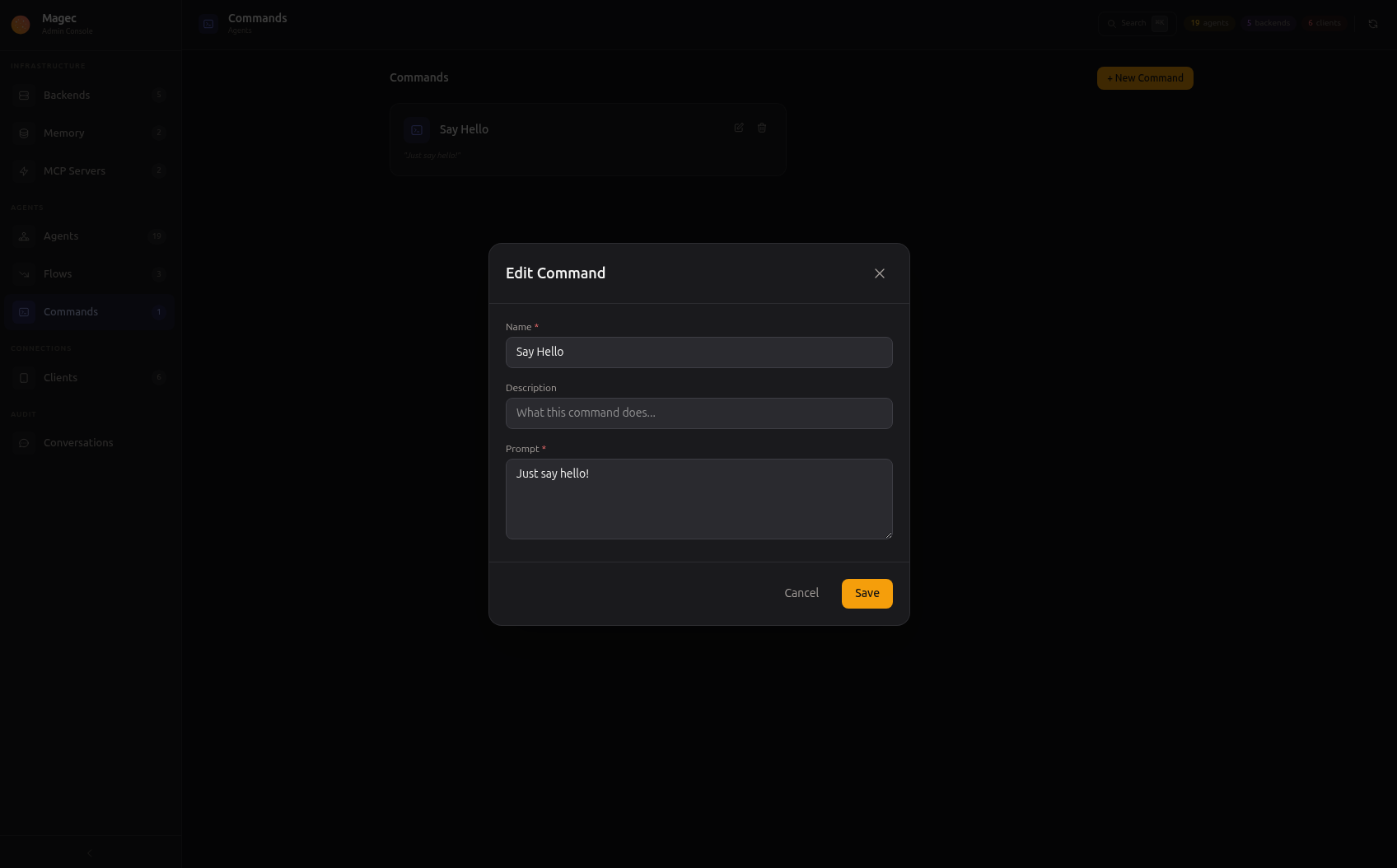
| Field | Description |
|---|---|
name | Display name — appears in cron and webhook selectors |
description | Optional note about what this command does |
prompt | The text to send to the agent when the command is triggered |
agentId | Which agent (or flow) processes this command |
The prompt is the message that gets sent to the agent as if a user had typed it. The agent receives this prompt, processes it using its LLM, system prompt, memory, and tools, then produces a response.
The agent field determines who handles the command. This can be a single agent or a flow. If it’s a flow, the prompt enters the pipeline and is processed by all agents in the flow.
Example commands #
| Name | Agent | Prompt |
|---|---|---|
| Daily Sales Report | Analytics Agent | “Generate a summary of yesterday’s sales. Include total revenue, top 5 products, and any anomalies.” |
| Security Check | Security Agent | “Check for any failed login attempts, unusual network activity, or expired certificates in the last 24 hours.” |
| News Digest | Research Pipeline (flow) | “Research and summarize the top 5 technology news stories from today.” |
| Health Check | DevOps Agent | “Check the status of all monitored services and report any that are down or degraded.” |
Using commands #
Commands are used by two client types:
In cron jobs #
A cron client runs a command on a schedule. You select the command and set the cron expression — the command fires automatically at the specified times. See Cron for details.
In webhooks (command mode) #
A webhook client in command mode runs a predefined command when its endpoint is hit. The HTTP request body is ignored — the prompt always comes from the command. See Webhooks for details.