Build AI agents.
Make them work together.
Create agents with their own brain, memory, voice and tools. Chain them into teams. Connect any agent or entire team to Telegram, voice, webhooks, cron — or all at once. Everything runs on your server.
$ curl -fsSL https://magec.dev/install | bash
# Admin panel → localhost:8081
# Voice interface → localhost:8080
Three steps to AI automation
Create agents
Give each agent its own LLM, personality, memory, voice and tools. Mix OpenAI, Anthropic, Gemini or Ollama — even in the same setup.
Chain into flows
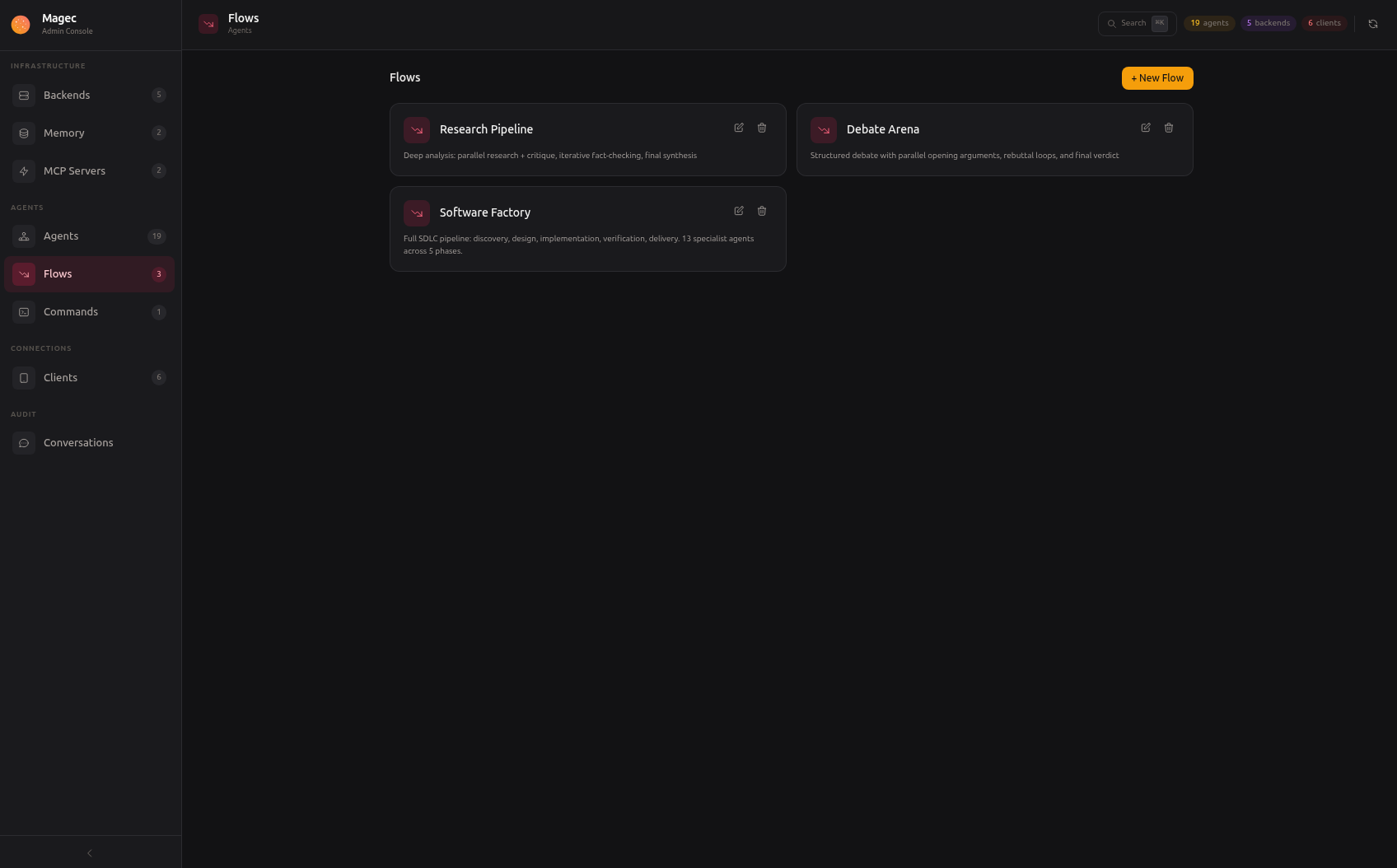
Build multi-agent workflows visually. Sequential, parallel, loops, nested. One agent writes, another reviews, another fact-checks.
Connect everywhere
Expose any agent or flow through voice, Telegram, webhooks or cron. Each client gets its own token and permissions. Add as many as you need.
Everything you need to run AI agents
Magec is a complete platform — not just an API wrapper. Agents, workflows, tools, memory, voice and integrations, managed from a single admin panel.
Multi-Agent System
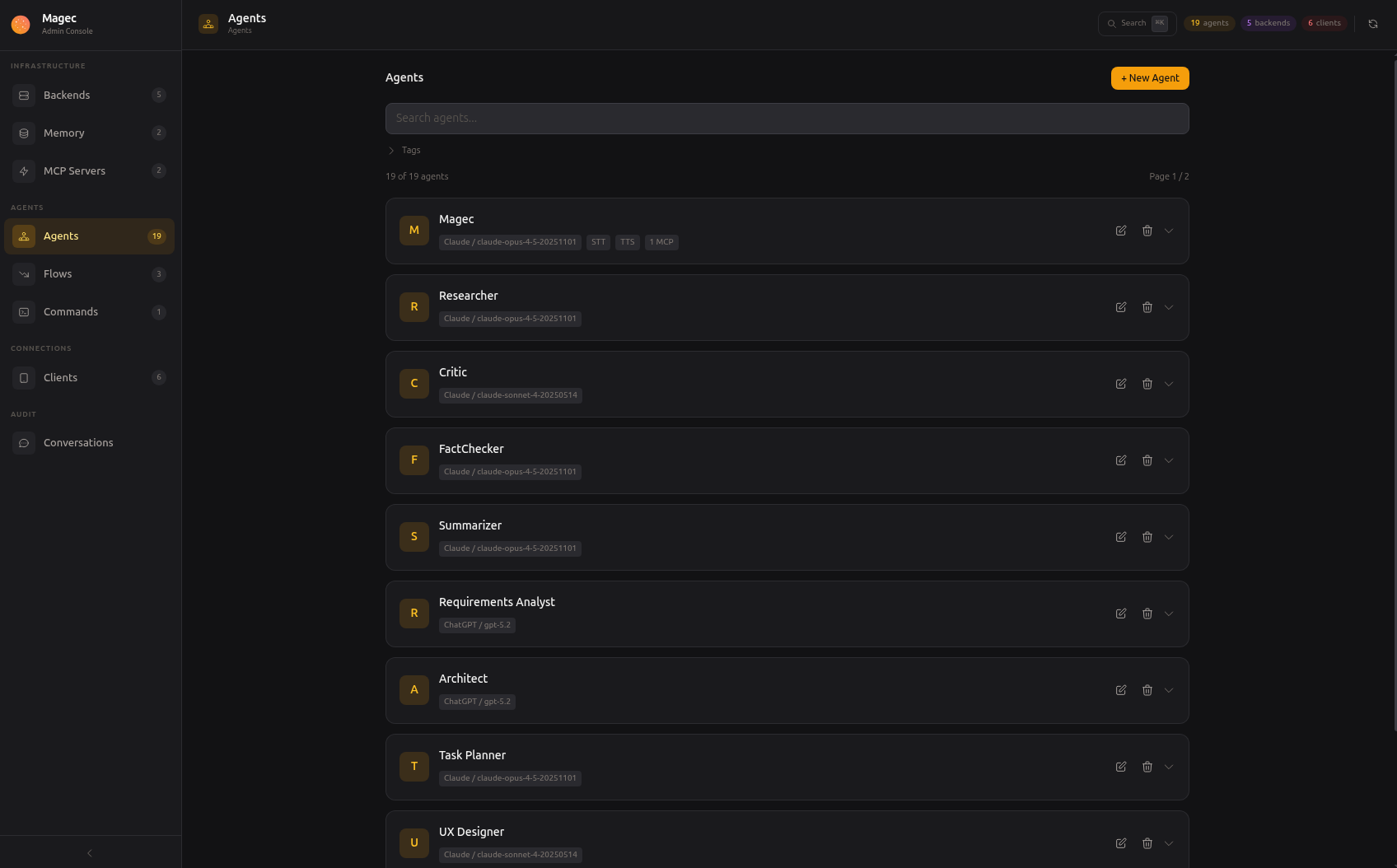
Each agent is an independent unit with its own LLM, system prompt, tools and memory. Hot-reload from the admin — no restarts, no config files.
- Per-agent LLM selection (GPT, Claude, Gemini, Ollama)
- Hundreds of tools via MCP (Model Context Protocol)
- Session + long-term semantic memory
Agentic Flows
Chain agents into teams that work together. Build pipelines of 2 agents or 20 with a visual drag-and-drop editor.
- Sequential, parallel, loop and nested steps
- Choose which agents respond publicly
- Visual editor — or define as JSON
Voice First
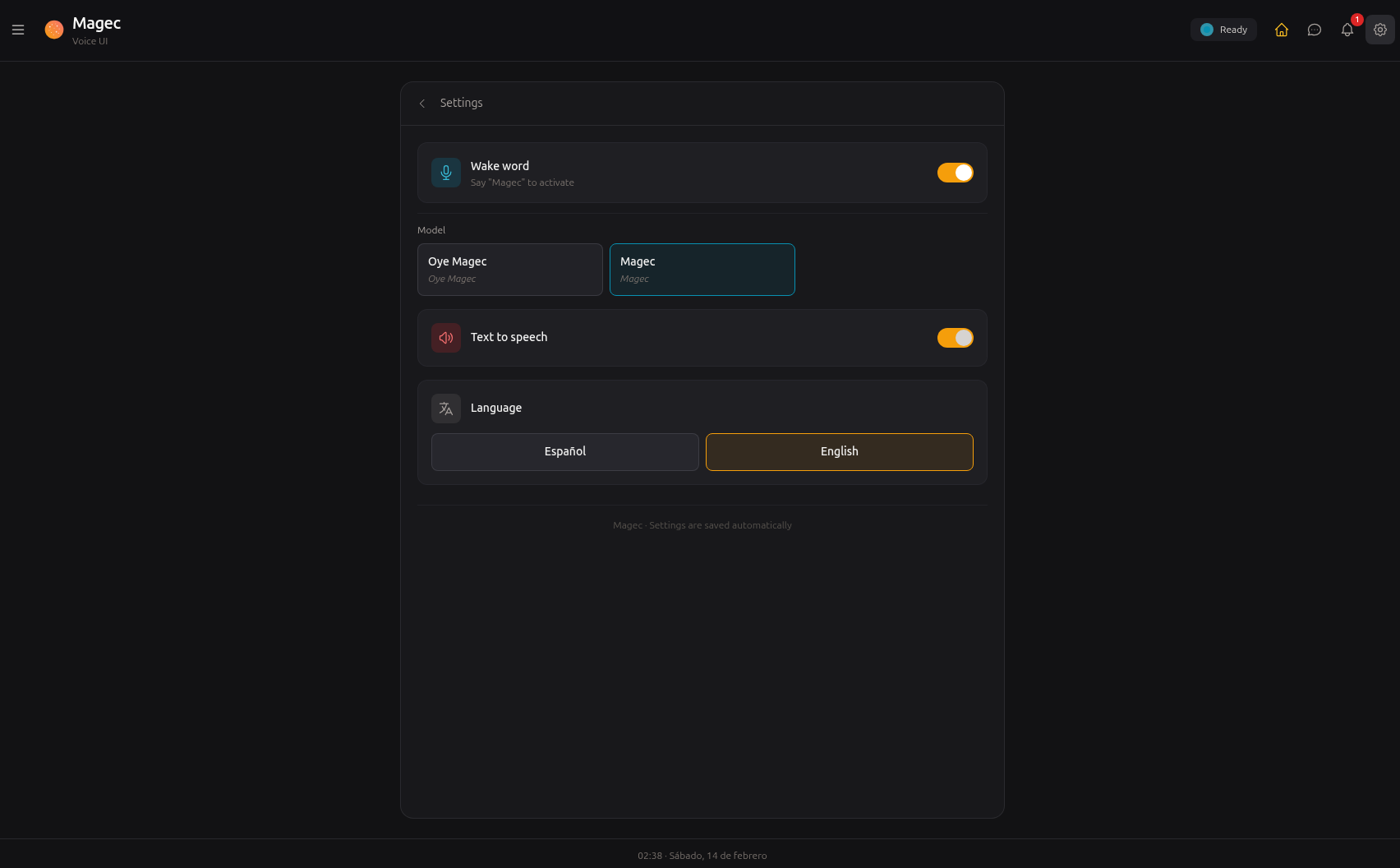
Wake word detection, speech-to-text, text-to-speech — all server-side via ONNX Runtime. Each agent can have its own voice.
- Privacy-first: audio never leaves your server
- PWA installable on tablets and phones
- "Oye Magec" hands-free activation
Automations
Agents don't need a human to start working. Schedule them with cron, trigger them from webhooks, or chain them with external systems.
- Cron jobs with standard syntax + @daily shorthands
- Webhooks with passthrough or fixed commands
- Full REST API with Swagger docs
Real examples, not buzzwords
Smart home with natural language
Connect Home Assistant via MCP. Ask "turn off the living room lights" from your voice tablet, Telegram, or a cron job that dims everything at midnight.
Software factory
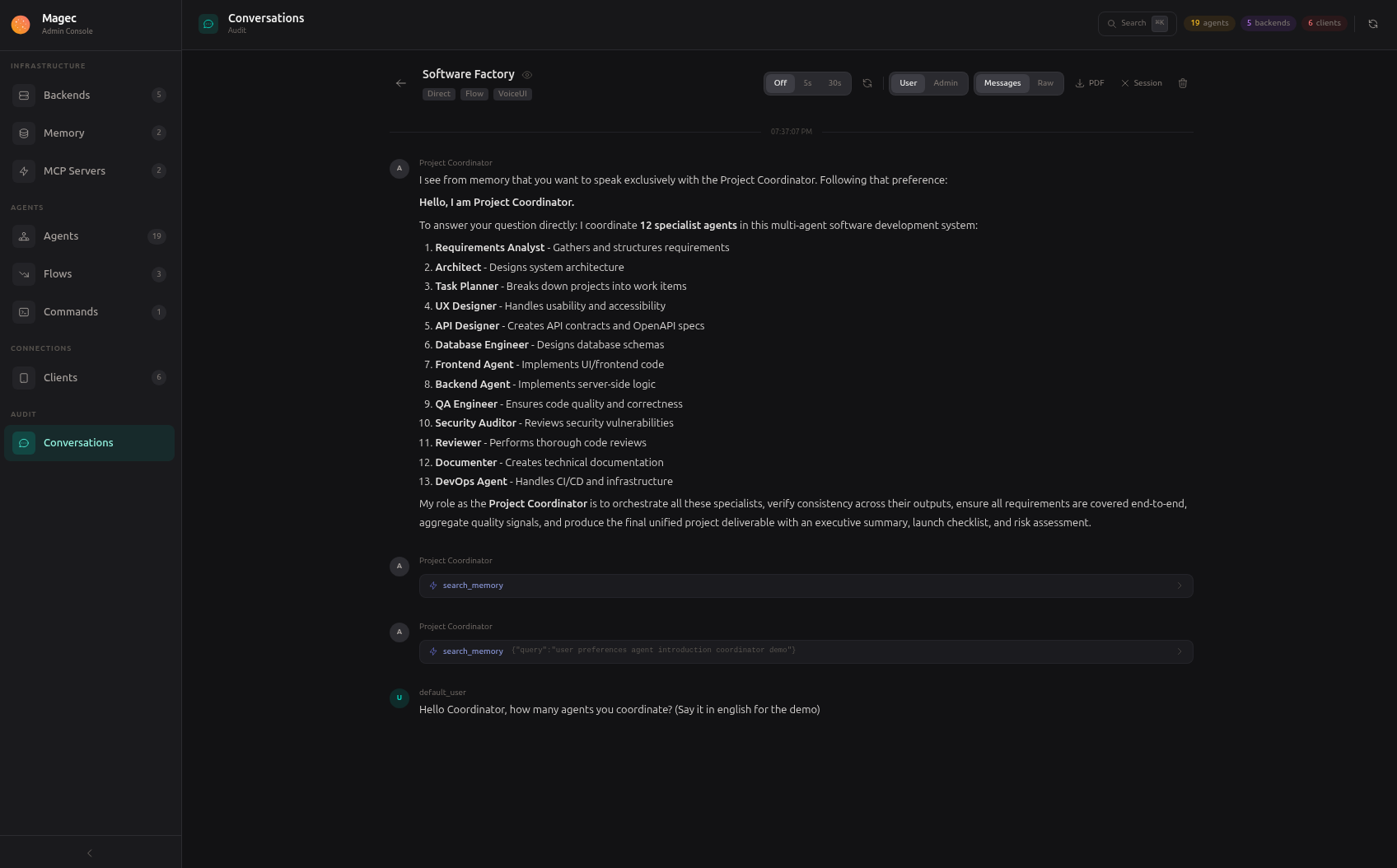
13 agents in a pipeline: product manager → architect → developers → QA → documentation. Feed it a feature request, get back a complete technical spec with code.
Multi-agent platform for your business
Put a tablet at the front desk. Staff speaks, the agent listens, checks inventory via MCP, and answers — hands-free. Each agent has its own voice.
Automated reports
A cron job fires every morning. An agent queries your database, another writes the summary, a third formats it. The result lands in your inbox via webhook.
Research pipeline
Two researchers work in parallel, a critic reviews their output, a fact-checker verifies claims, a synthesizer produces the final report. All from a single prompt.
Whatever you connect
MCP gives your agents access to hundreds of tools — GitHub, databases, file systems, APIs. The more tools you connect, the more your agents can do.
What powers it
Agents
Each agent has its own LLM, system prompt, memory, voice, and tools. Create as many as you need. Changes take effect instantly — no restarts.
Flows
Chain agents into workflows. Sequential, parallel, loops, nested. Build them visually with drag-and-drop or define them as JSON.
AI Backends
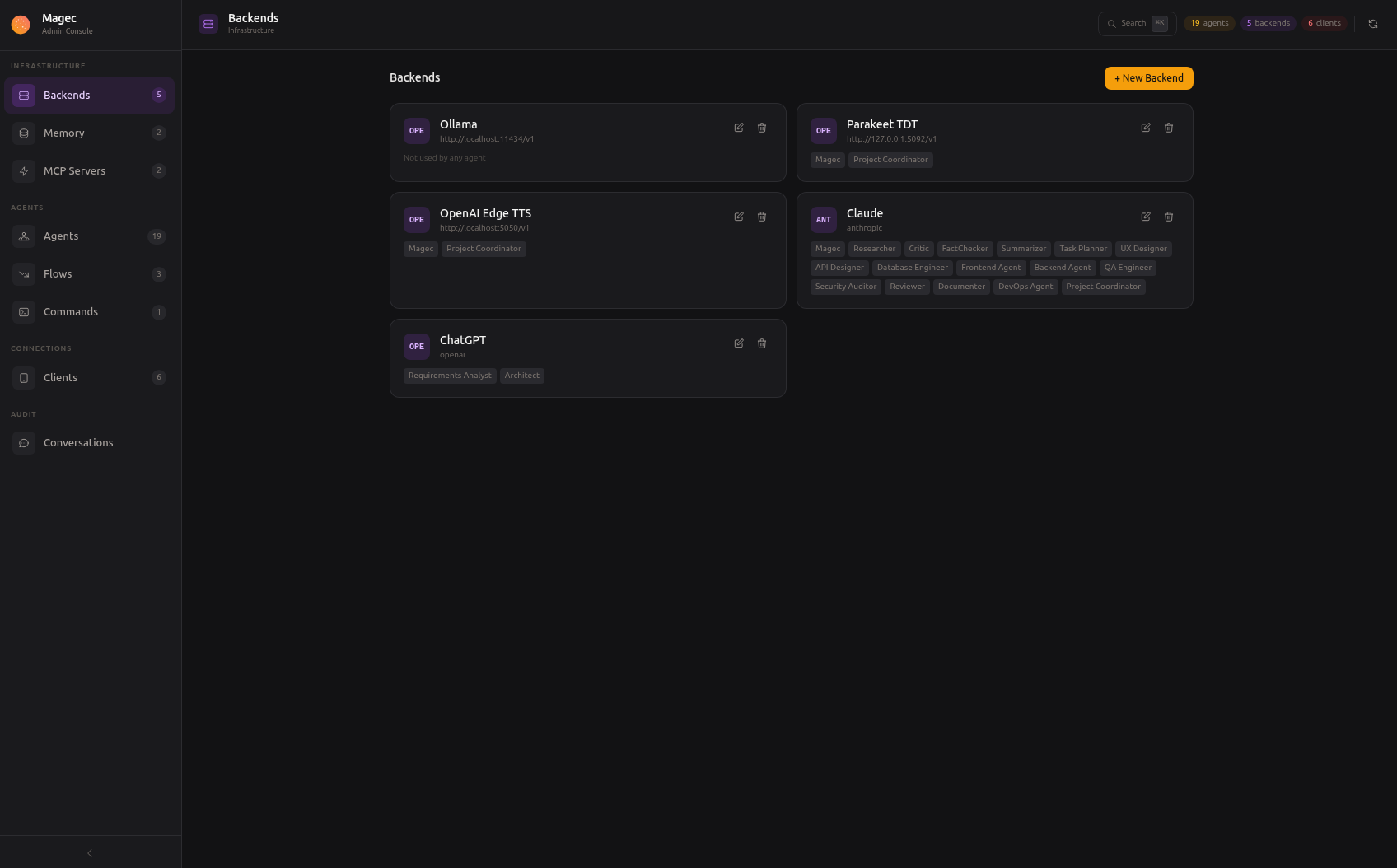
OpenAI, Anthropic, Google Gemini, Ollama. Mix cloud and local models. One agent can use GPT-4, another can use a local Qwen — in the same flow.
MCP Tools
Connect external tools via Model Context Protocol. Home Assistant, GitHub, databases, file systems — hundreds of integrations, growing every day.
Memory
Session memory keeps conversation history in Redis. Long-term memory stores facts about you in PostgreSQL with semantic search. Your agents remember.
Voice
Wake word detection, voice activity detection, speech-to-text, text-to-speech. All processed server-side via ONNX Runtime. Each agent can have its own voice.
How it all connects
Clients on the left, AI backends on the right, Magec orchestrating in the middle. Every connection is configurable.

Manage everything visually
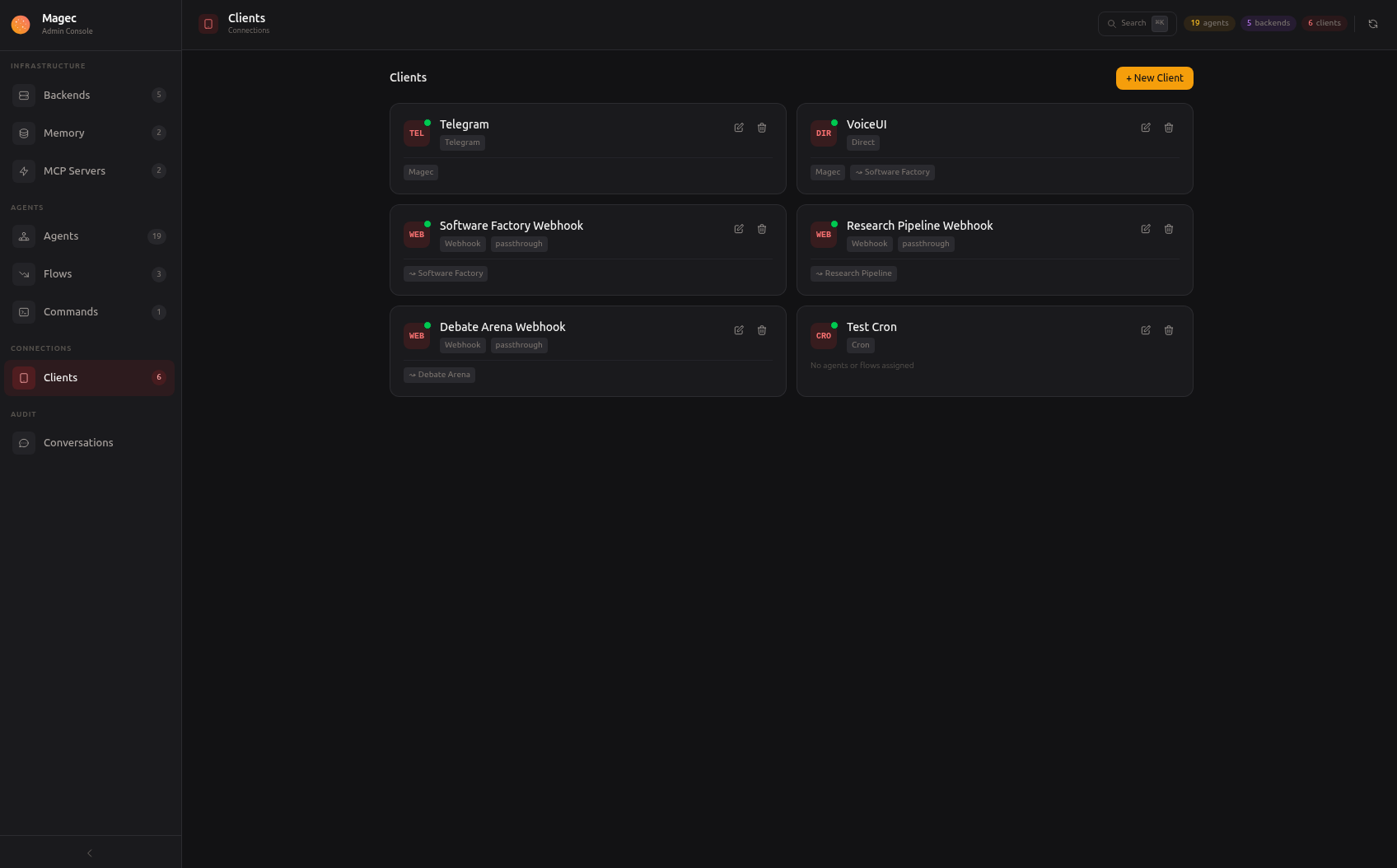
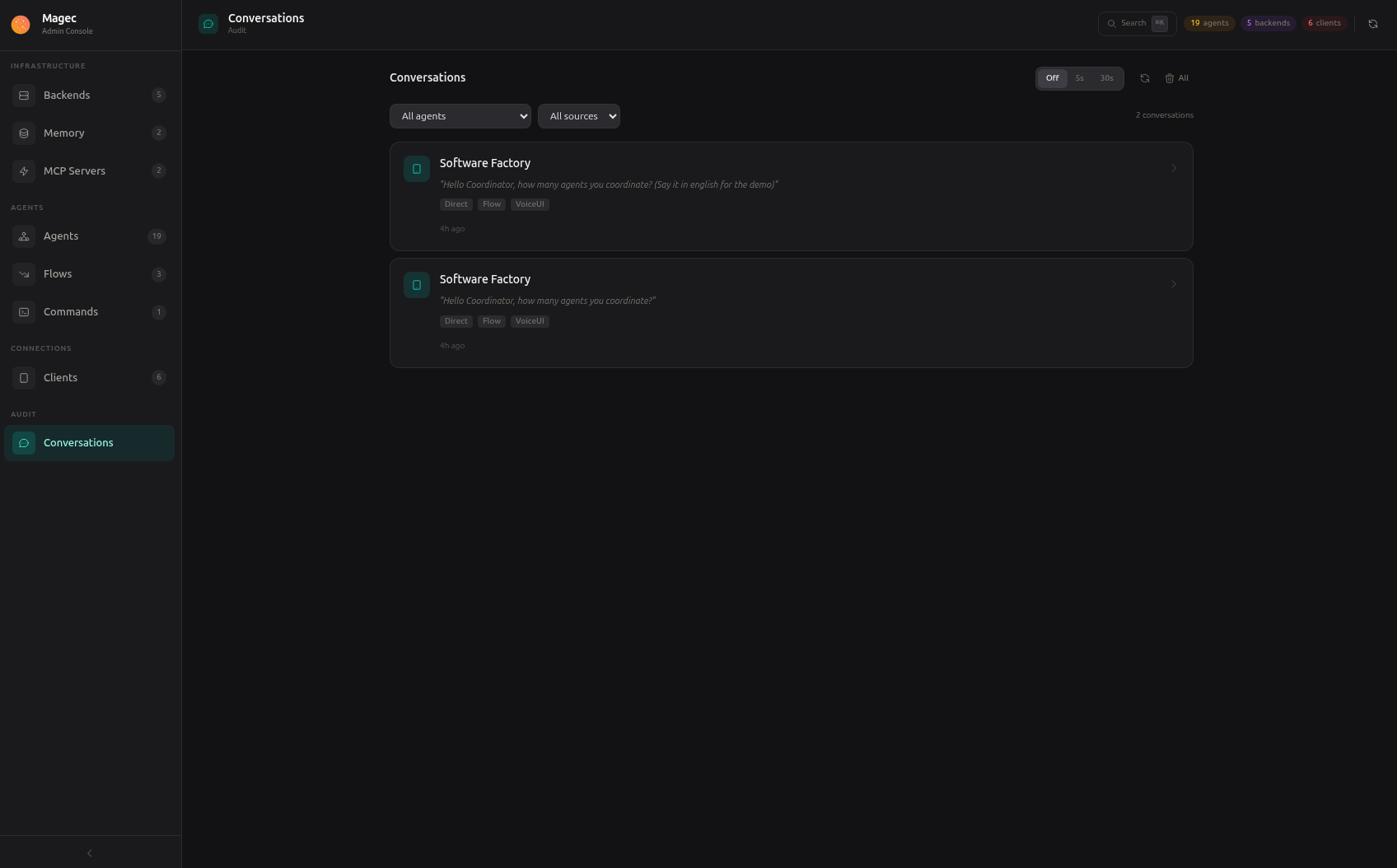
No config files to edit. Create agents, design flows, connect tools, manage clients — all from your browser.
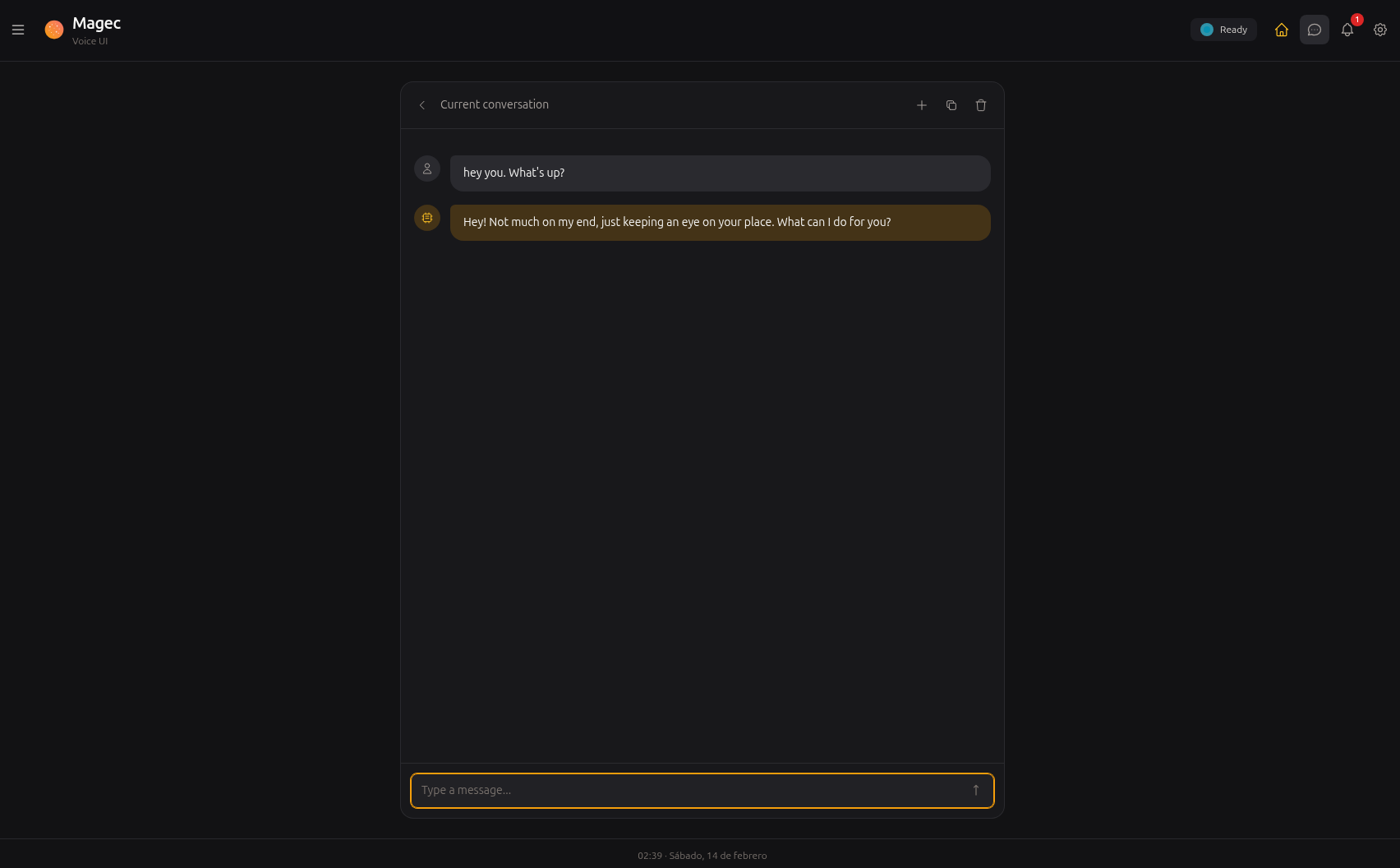
Talk to your agents
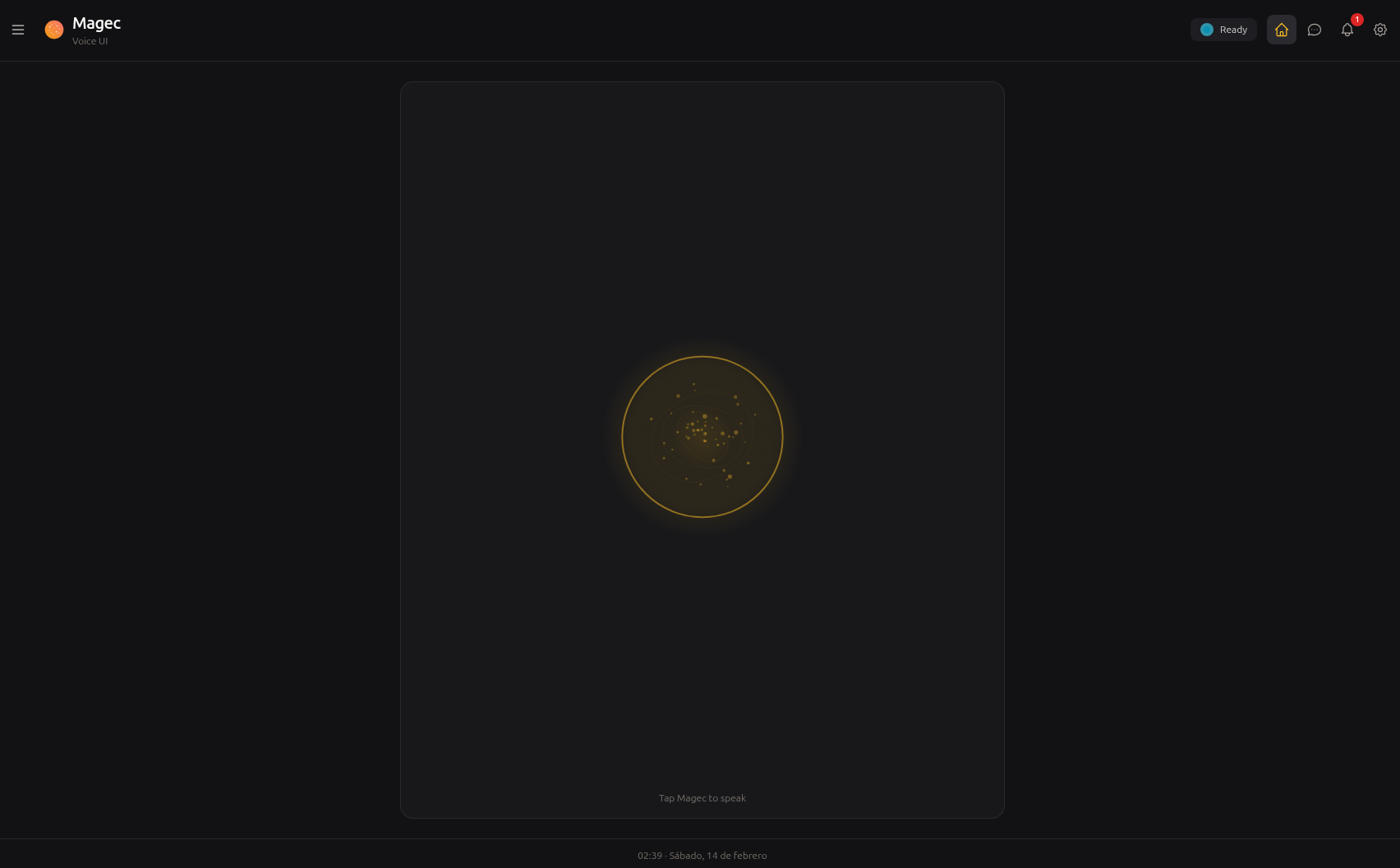
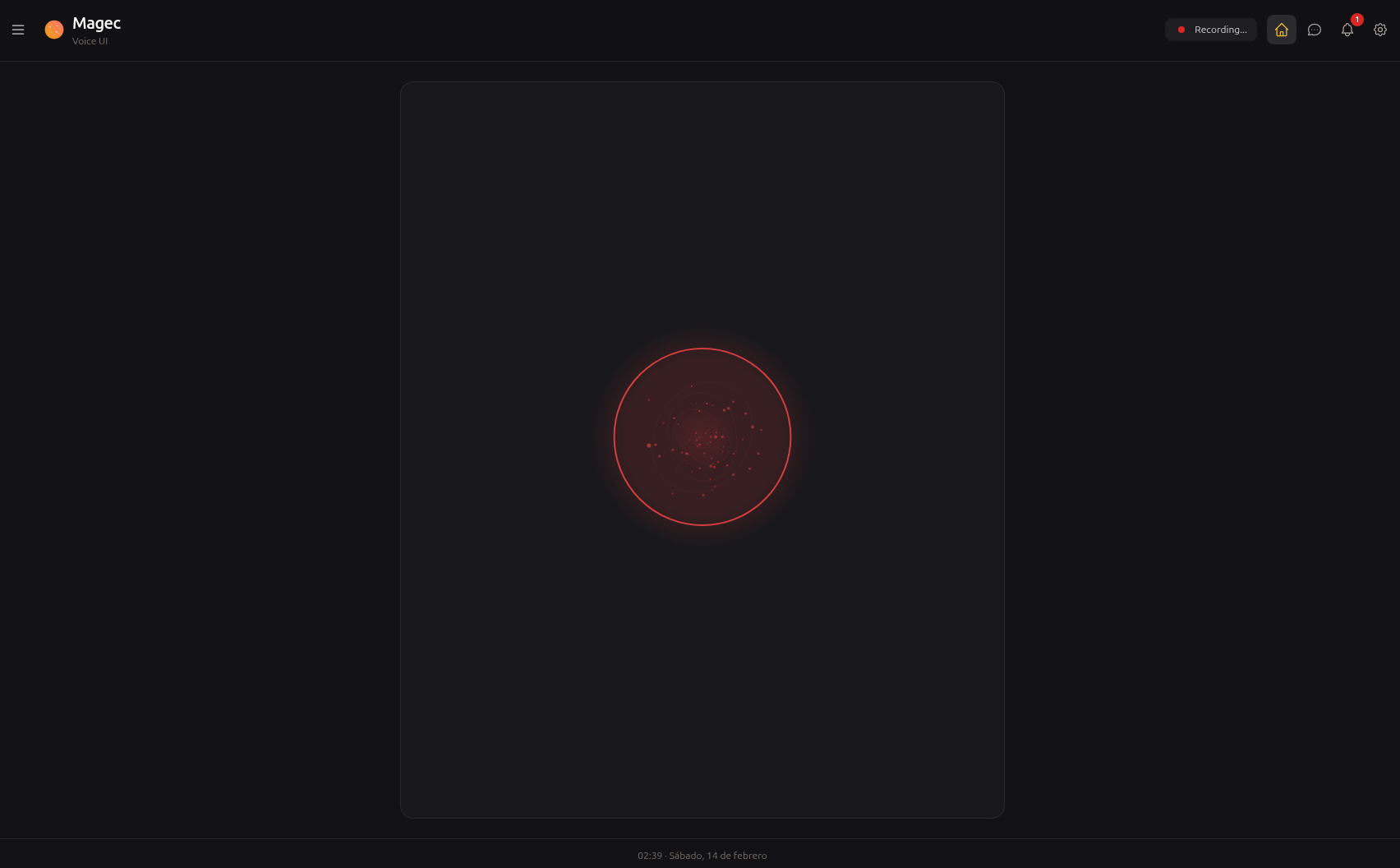
Say "Oye Magec" or tap to talk. Switch between agents and flows. Choose who speaks when a team responds. Install it on your phone like a native app.
Reach your agents from anywhere
Every client gets its own token, its own set of allowed agents, and its own way of connecting. Add as many as you need.
Browser-based voice interface with wake word, push-to-talk, agent switching, conversation history. Installable as PWA.
Visual management panel. Create agents, design flows, connect tools, manage clients. Keyboard shortcuts, search palette, live health checks.
Text or voice messages. Multiple response modes (text, voice, mirror, both). Per-chat agent switching.
HTTP endpoints for external integrations. Fixed command or passthrough mode. Wire them to CI, forms, alerts, or any system.
Scheduled tasks. Daily summaries, periodic checks, automated maintenance. Standard cron syntax plus shorthands like @daily.
Full API with Swagger docs on both ports. Build any custom integration you can imagine.
Socket Mode — no public URL needed. DMs and @mentions in channels. Per-channel agent switching.
On the way.
Bring any model
Each agent picks its own backend. Mix a cloud model for complex reasoning with a local model for fast tasks — in the same flow.
Why "Magec"?
Magec (/maˈxek/) was the god of the Sun worshipped by the Guanches, the aboriginal Berber inhabitants of Tenerife in the Canary Islands. The name honors this Canarian heritage while reflecting the project's purpose: to illuminate and assist.